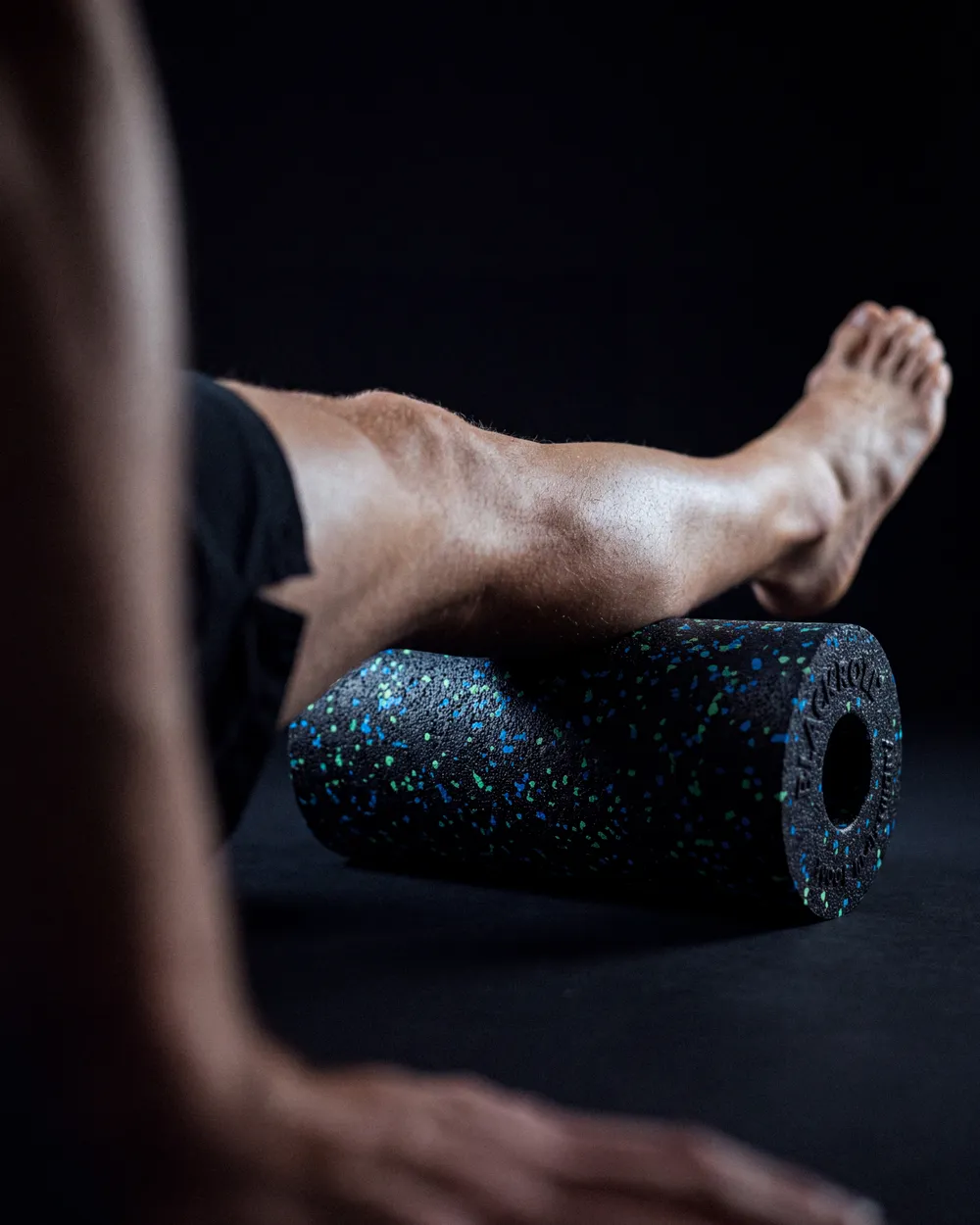
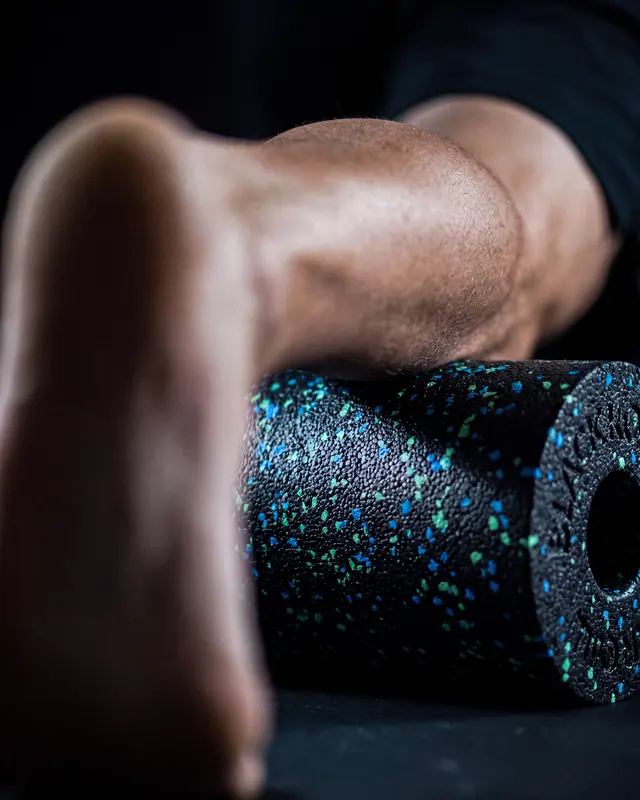
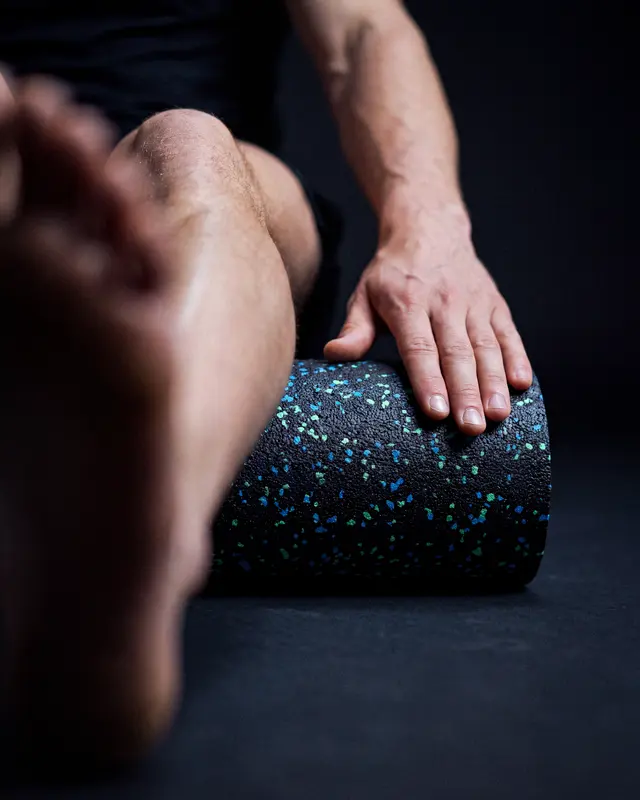
Can we turn the roller ad into a reel?
Yes. Motion studio animates it and keeps the text exactly as it is.
Motion studio
01
Ask Roger AI
Describe the job in plain words. Roger knows the brand and points you to the right tool.
The AI Creative Engine is BLACKROLL’s in-house creative portal. Shoot product photos, animate them, build ads and translate them, with the brand guidelines built in. Bigger jobs go to the creative team as a brief.
Start by telling Roger AI what you need. Most jobs you can do yourself in minutes. Anything bigger goes to the creative team as a proper brief.
Yes. Motion studio animates it and keeps the text exactly as it is.
Describe the job in plain words. Roger knows the brand and points you to the right tool.
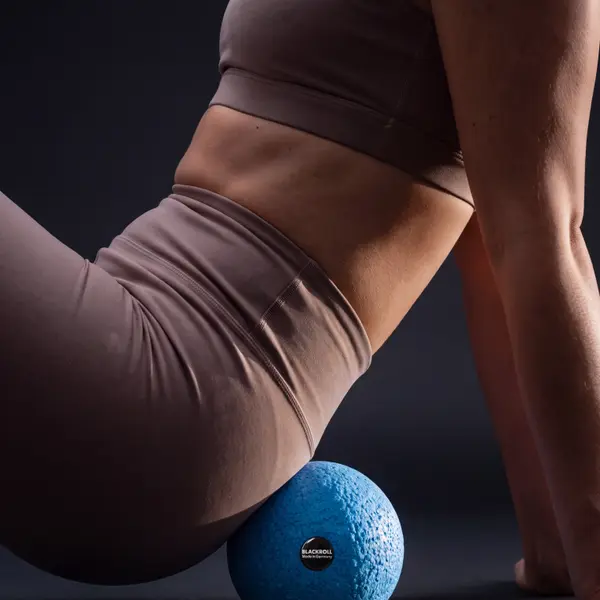
Shoot, vary, animate, resize and translate in the studios. Brand rules are built in.
Bigger jobs go to the creative team as a brief Roger helps you write. Track it in Active Projects.
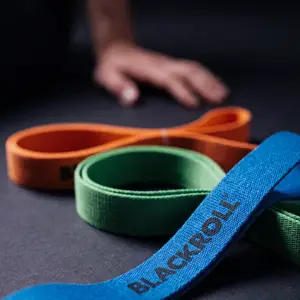
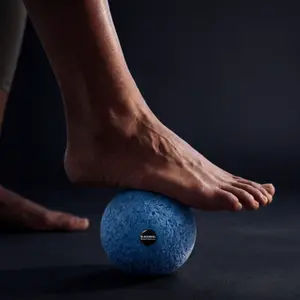
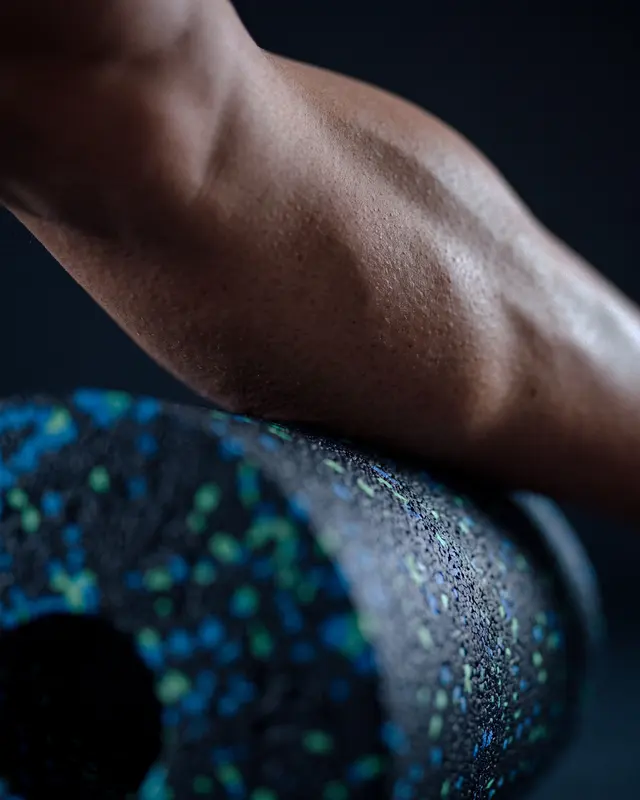
Every version lands in My stuff, searchable in plain words and ready to reuse.
Roger lives in the bar at the bottom of every app. Tell him what you need in plain words and he opens the right editor, sets the controls and runs the app. You decide what ships.
Type in the bar or tap Roger. It's the same bar at the bottom of every app, so there's nothing new to learn.
The conversation unfolds above your work. You don't leave the app or lose what's on screen.
He opens the same editors you would and sets them: the format, the language, the clip length.
He presses generate, or opens the next app with your work already in it. The bar tells you when it's ready.
This is the real Roger bar from the portal, playing a script. In the portal you type anything, and nothing publishes until you approve it.
They share your library, the brand guidelines and Roger AI, so you can take an image from one app straight into the next.
Make new content from scratch.
Set up the shot, then shoot on-brand photography in seconds.
Ads, emails and web copy, written in every language you need.
Build on-brand emails from ready-made blocks.
Design one HTML5 banner and export every size.
One image or clip, laid out for every paid format.
Restyle any image into the Brand 2.0 look in one click.
You don’t need to be a designer. Pick your role to see the jobs people like you use the portal for.
“I need fresh creative to test every week, and proof of what wins.”
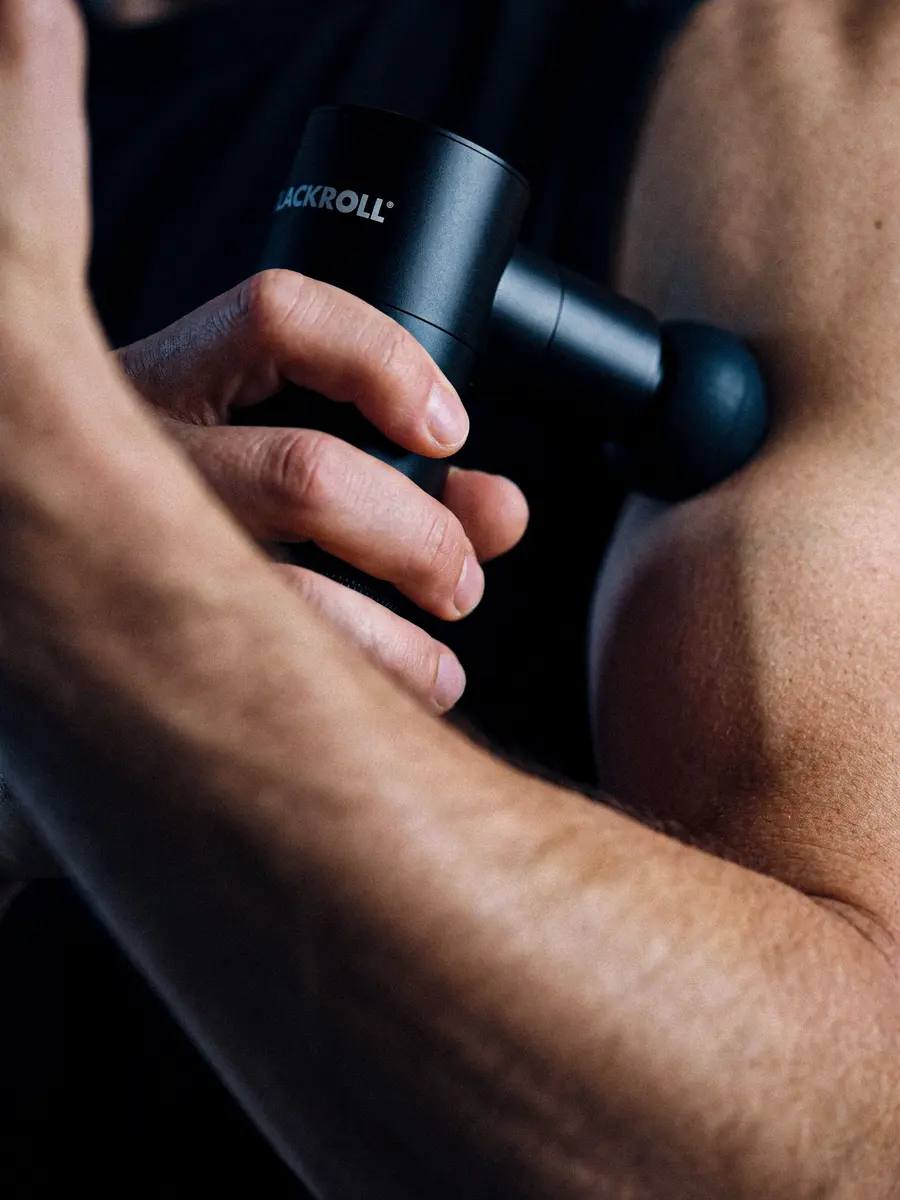 Fascia gun · Black Week
Tone of voice, art direction and guidelines live in the BLACKROLL brand app. Every prompt and every line of copy starts from them.
When an image is varied, animated or translated, the product, the logo and the on-screen text are locked.
Nothing publishes itself. You review every result, and the creative team signs off the work that needs a second eye.
Then ask Roger what you need, or open any app from the home screen.